


Envelope Budgeting Apps: What to Check Before You Pick One
Envelope Budgeting Apps: What to Check Before You Pick One
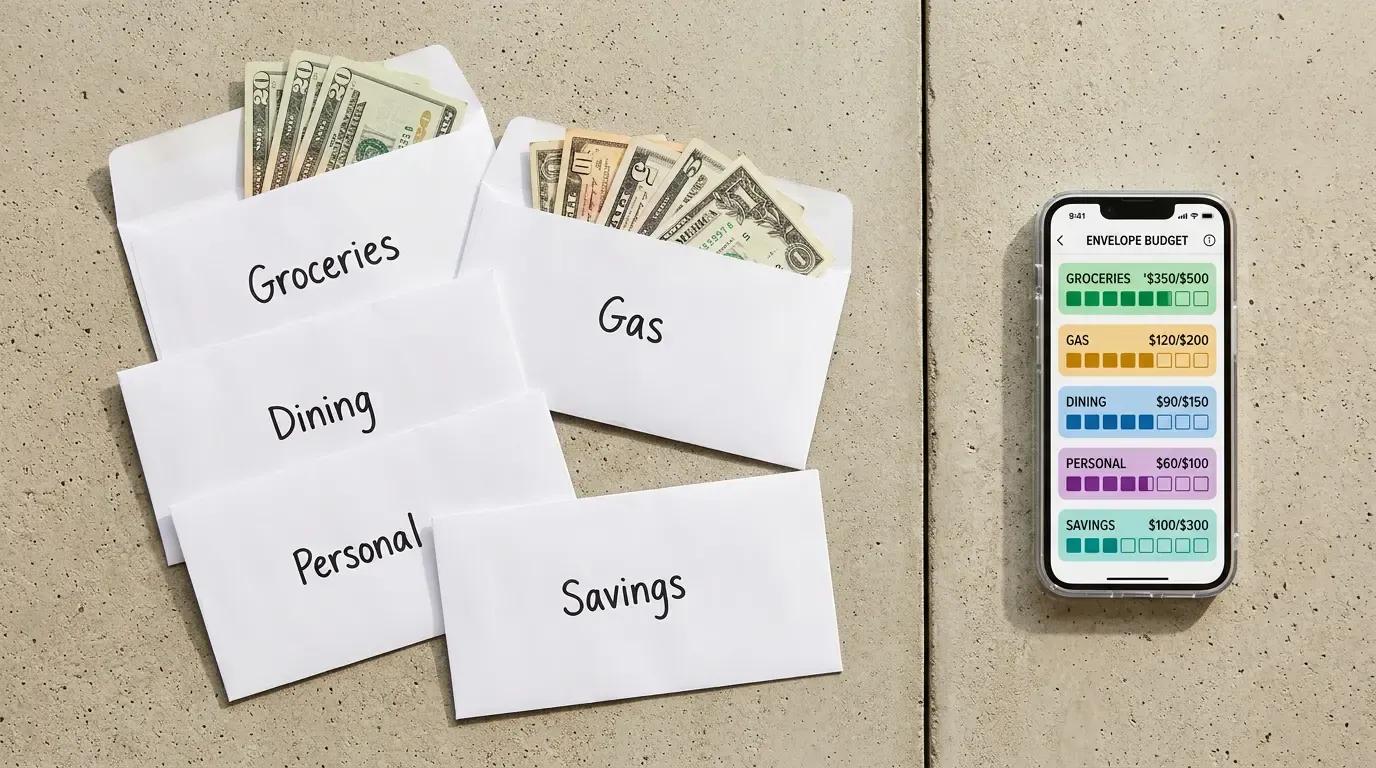
The envelope system splits your income into named spending categories before you spend any of it, and you stop when a category is empty. If that idea is new to you, start with how the envelope method works and come back here.
This page is about the software layer - digital envelopes instead of paper ones. Once you decide the budgeting system suits you, the next question is which tool runs it - and most people pick badly because they compare feature lists instead of the two or three things that actually decide whether the tool survives past month three.
What does an envelope budgeting app actually do?
It creates named containers inside software, gives each one a dollar amount from your income - groceries, bills, savings - and subtracts your spending from the right container. That is the whole job. Everything else - reports, goals, charts, shared logins - sits on top of that one function and does not replace it.
The differences between budgeting tools are not in the concept. They are in how strictly the container behaves when you reach the bottom of it, and in how the spending gets recorded in the first place.
Does the app block spending when a category runs out, or only show that it did?
This is the single question that separates the tools, and almost nobody asks it first. In physical envelopes, the money physically ends. In most software, nothing ends - the category goes negative, turns red, and you keep swiping. The tool reports the overspend; it does not prevent it.
A few tools sit on a spending card or a separate account and offer real spending controls that stop a transaction. Most do not. Neither design is wrong, but they solve different problems, and you need to know which one you are buying.
Why does that one difference decide everything else?
Because it tells you what the tool is for. If your problem is that you do not know where the money went, a reporting tool fixes it - you needed visibility. If your problem is that you know exactly where the money went and could not stop yourself, a reporting tool changes nothing. You needed a wall, and a red number is not a wall.
People who come to software from paper envelopes usually come for the second reason. That is why the switch so often disappoints them. The tactile friction of handling cash was doing the work, and a notification does not reproduce it.
Prices, tiers and feature lists in personal finance software change more often than any article updates, so this page does not carry them. Our guide to budgeting apps versus spreadsheets explains how to check the current details yourself.
How does the app get your transactions in?
There are three designs, and they produce very different daily habits. Automatic bank connection imports purchases for you. Manual entry means you type each purchase yourself. Some tools let you use either.
Automatic import saves time and loses attention - the money moves whether or not you looked. Manual entry costs a minute a day and keeps you present at the moment of spending, which is closer to what counting cash was doing. Pick based on which failure you are more likely to have, not on which sounds more modern.
What should you check before you connect a bank account?
Most tools reach your bank through a third-party data connector rather than talking to the bank directly. That is normal, but it means one more company holds a view of your financial accounts. Check three things before you connect.
First, whether the connection is read-only - it should be able to see transactions and not move money. Second, whether the tool supports two-factor sign-in, and turn it on. Third, whether your bank has its own screen for revoking third-party access, so you can cut the connection from your side rather than only from the app's side.
What happens to your data when you stop using the tool?
Search the help pages for "delete" before you sign up, not after. You are looking for two separate things: whether closing your account deletes your data, and how long that takes. Some tools delete on a timer, some delete on request, some keep an anonymized copy indefinitely.
None of that is unusual. It only becomes a problem when you find out at the moment you want to leave and discover that closing the account and deleting the data are two different buttons - or that one of them does not exist.
Can two people run the same envelopes?
Sharing a budgeting system is where a lot of couples get stuck, and the word "shared" covers three different things. Two logins on one budget is not the same as two people seeing the same live balance, which is not the same as two people being able to move money between categories.
Check which of the three you are getting, and whether it is on the free tier or behind the paid one. If both partners spend from the same categories daily, live balances matter more than any other feature on the page.
How does the tool handle expenses that do not arrive every month?
Car registration, insurance premiums, holidays, annual renewals - these break more budgeting systems than groceries ever do, because the month they land is the month the whole thing looks like a failure. A tool that only handles monthly categories will keep producing that failure.
What you are looking for is the ability to set aside a piece each month toward something that hits later, and to see those savings grow separately from your spending money. If you have not mapped those expenses yet, do that before you choose a tool: expenses that do not come every month.
What does the tool do when you go over in one category?
There are two behaviors and you should know which one you get. Some tools make you cover the overspend by moving funds from another category, so the total stays honest and something else gets smaller. Others just let the category sit negative and carry the problem forward.
The first behavior is harder and more useful. It forces the trade-off you would have made with paper - the money for dinner came out of the money for something else - instead of letting the shortfall float in the background.
How many categories should the tool allow?
Enough that you are not merging things you actually want to watch, and few enough that you can still fill them all in one sitting. Free tiers frequently cap this, and the cap is usually the reason people upgrade or quit.
A practical test: write your categories on paper first, count them, then check the cap. If your real list is fifteen and the free tier holds ten, you have learned the price of that tool before signing up for anything.
Does it work on the device you actually pay from?
If you spend on a phone and the tool is strongest on the web, you will not record spending at the moment it happens, and the balances will drift. The tool has to be open in the two minutes after a purchase or it will not be open at all.
Check whether the phone version is the full tool or a reduced companion. Some tools are built phone-first, some are web tools with a phone view, and the difference shows up in the first week.
What does the free tier actually include?
Read the free tier as a product, not as a trial. The questions are the same ones: does it block or only report, does it sync or require typing, does it cap categories, does it allow a second person. If the answers are usable, the free tier is the answer and you are done.
If they are not, you now know exactly what you are paying to unlock, which is a much better basis for a subscription than a feature grid you skimmed.
How do you test a tool before you commit to it?
Run one full pay cycle before you pay for a year. Not a week - a full cycle, so the tool has to survive payday, a bill, and at least one purchase you regret. Enter everything, including the small things - they make or break the habit.
At the end of the cycle, ask one question: did the tool change any decision, or did it only describe decisions you already made? If it only described them, a different budgeting tool will not help - the problem is the design you picked, and you should go back to the blocking-versus-reporting question.
Should you run one cycle by hand before choosing a tool?
It is the cheapest way to learn what you need from the tool. One cycle written out by hand tells you how many categories you really keep, which ones you overspend, and whether you want the system to block you or just tell you. Those are the exact inputs to every question above.
Use a budget template for that single cycle, then shop with the answers in hand. A budgeting app cannot rescue a method you were never going to follow.
When an app will not fix it
If the shortfall is structural - the income does not cover the fixed costs - no budgeting tool changes that. It will divide the money more precisely and show you the gap in higher resolution, and the gap will be the same size. Dividing a shortfall is not the same as closing one.
The honest use of the tool there is diagnostic: it shows the exact size of the gap and which fixed costs produce it. Treat it as a measuring instrument, not a solution, and do not read a red category as a personal failure when the arithmetic was never going to work.
The same is true when the envelope system itself is a bad fit - irregular income, spending that cannot be sorted into stable categories, or a household where only one person is participating. Those failures are worth reading about before you blame the software: where the envelope method breaks down.
What order should you ask these questions in?
Start with blocking versus reporting, because it decides whether the tool solves your problem at all. Then how transactions get in, because it decides your daily habit. Then the bank connection and data questions, because they are hard to undo. Then shared access, category caps, and the free tier.
Price comes last, not first. A cheap tool that reports when you needed one that blocks is not cheap - it is a year of noticing overspending after the fact, which is the thing you were trying to stop.

Denis Goncharenko
Head of Content
Editorial Policy: no secondary statistics. Every claim is linked to an official source and dated — datasets and methods are open for review.

Was this article helpful?
Same blogs
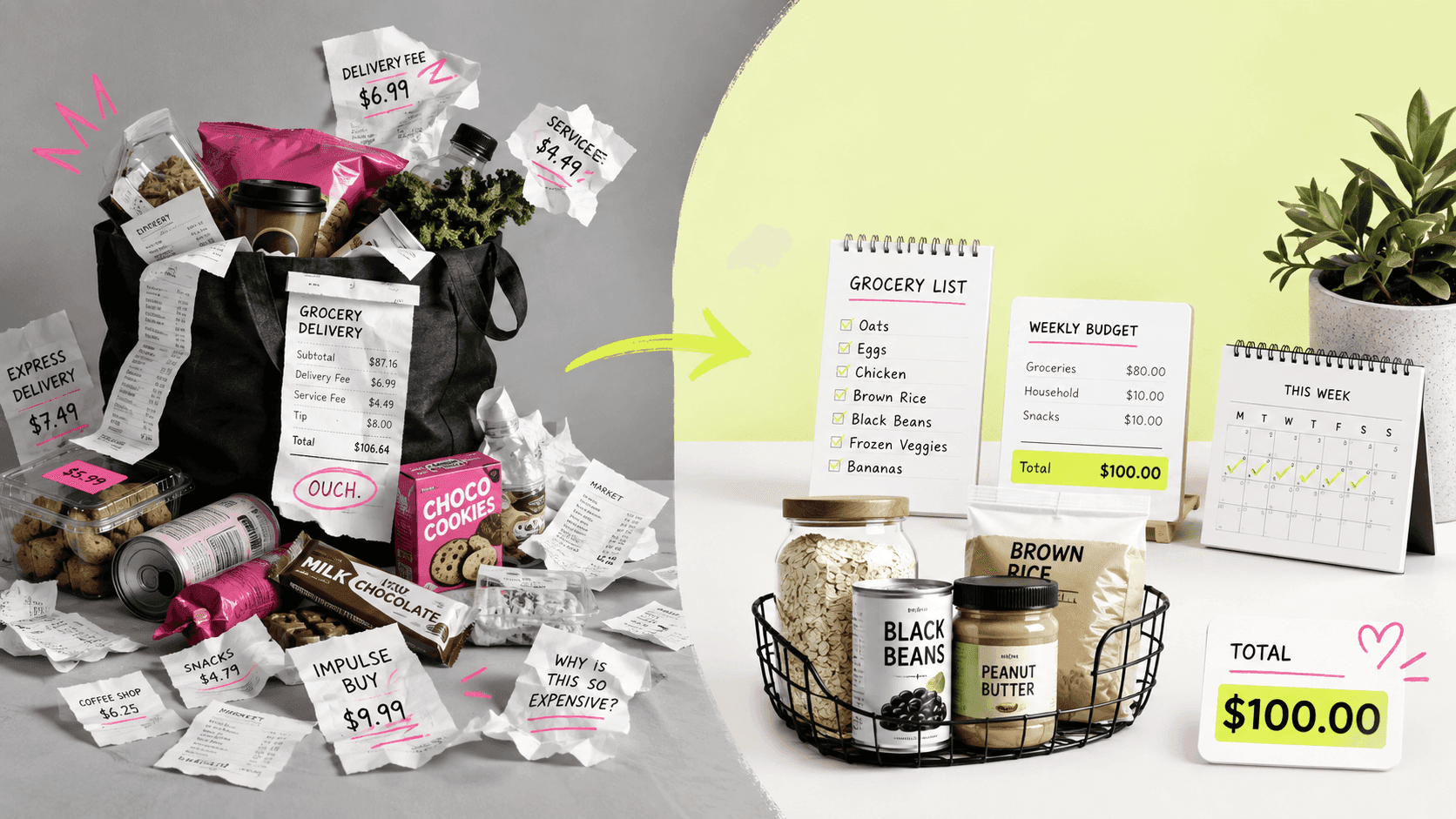
Saving Money on Groceries Is Not a Test of Willpower
Federal data shows six grocery categories moving at different rates, not one bill rising evenly. Why the national CPI, the CES spending survey, and USDA's own forecast are each the wrong number to budget against - and how to build your own monthly figure from 8 to 12 weeks of receipts instead.
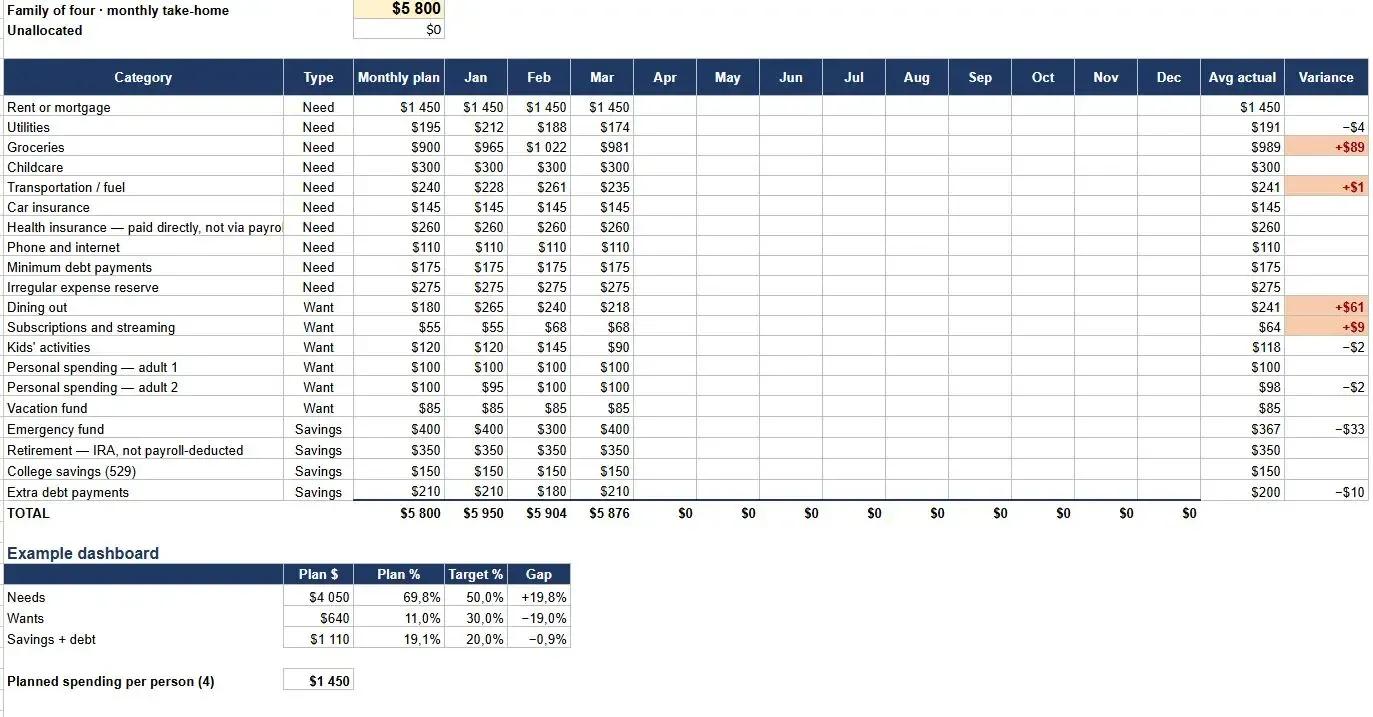
Free Family Budget Template for Excel and Google Sheets
A free household budget spreadsheet for families of three to five, with categories pre-filled and a separate tab that spreads yearly bills like insurance and registration across all twelve months. No email, no sign-up, works in Excel and Google Sheets.
Why Parent PLUS Loans Have Become a Hidden Retirement Crisis for American Parents
Parent PLUS loans can follow parents into retirement, reduce savings, and expose Social Security benefits to offset after default. Here is what near-retirement borrowers should know.